Loved by developers
See what developers are saying about JCode.


Works with your tools
Run your agents from one interface. JCode uses each provider's native harness, so your subscriptions, skills, config, and MCP servers keep working.
Runs where you work
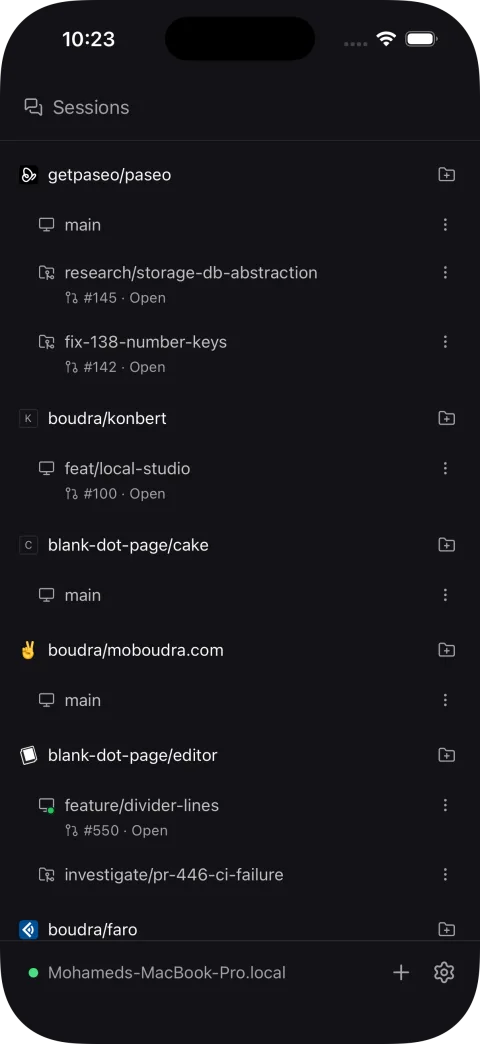
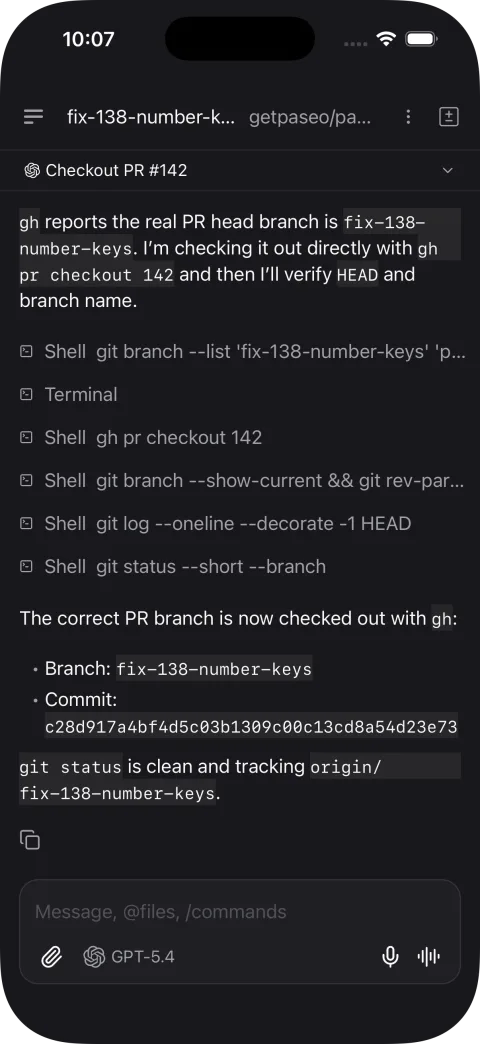
Start agents on your laptop, a VM, or a dev server. Use them from any device over a direct connection or the end-to-end encrypted relay.
E2E Encrypted Relay
or
Direct Connection
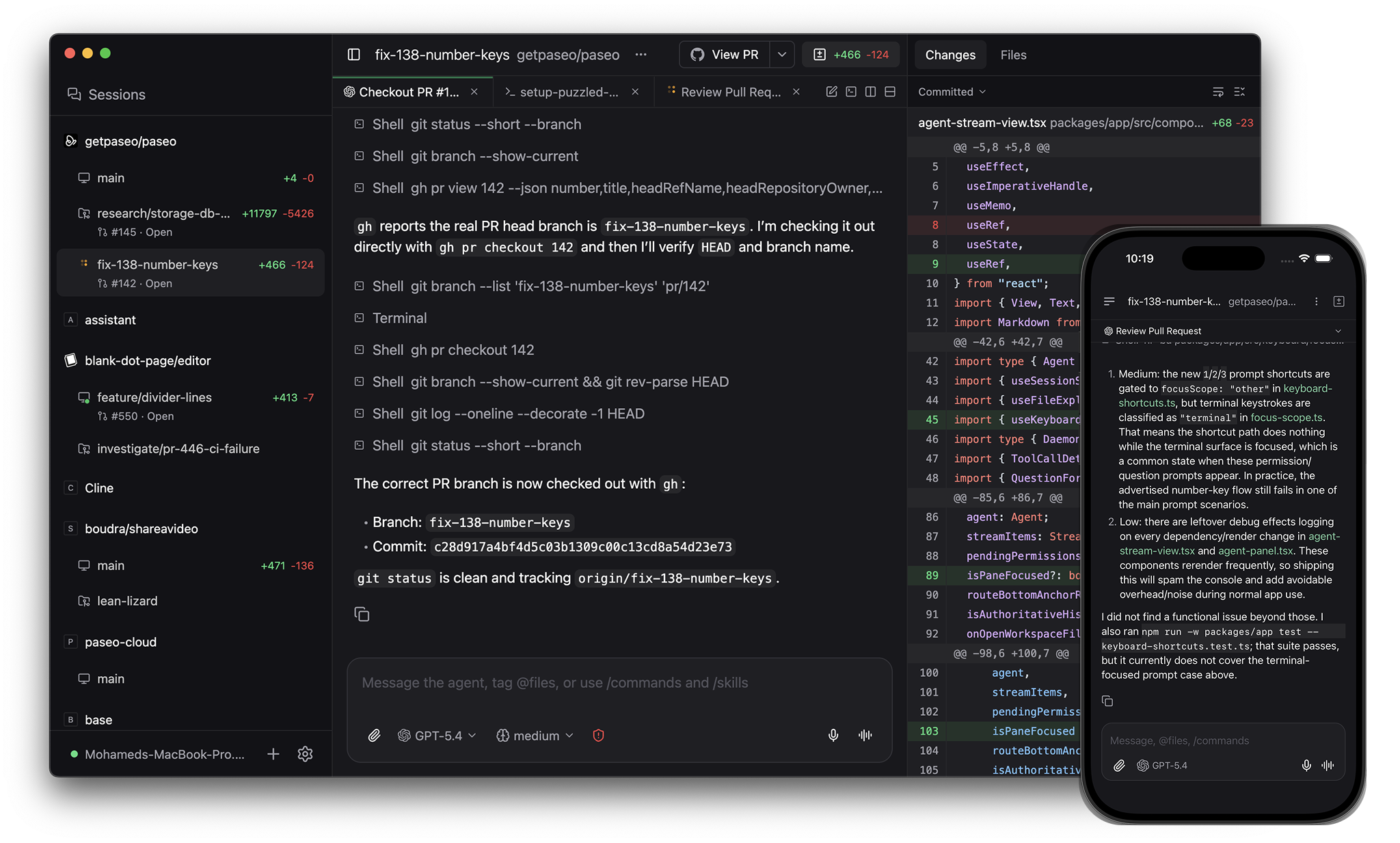
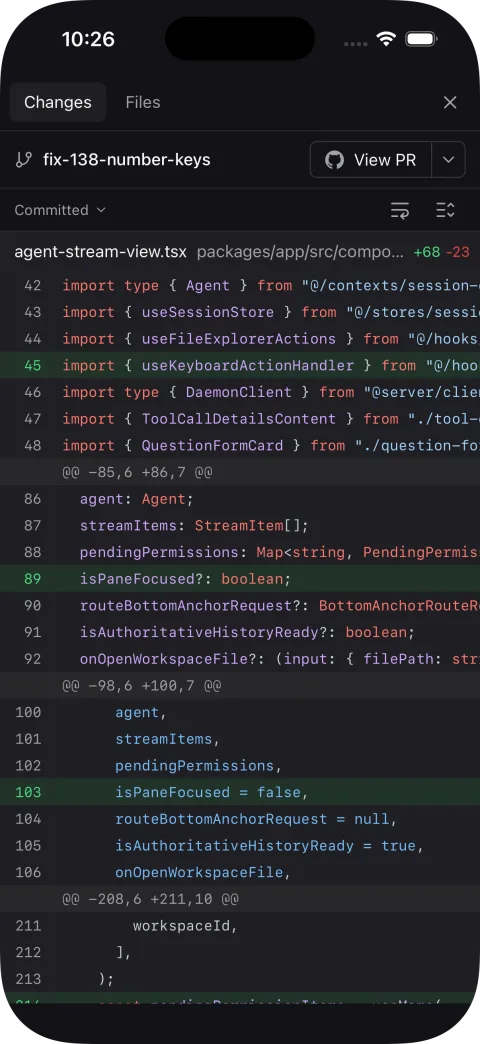
Review, preview, ship
Create branches, preview the app in the browser, review the diff inline, then commit, open a PR, and merge without leaving JCode.
Split panels
Open agents, browsers, terminals, diffs, and logs in the same workspace. Split them side by side or group them in tabs.
Forget about ports
When agents work in parallel, they all run dev servers. JCode gives each one a URL based on the branch name, no port conflicts, no guessing.
Keyboard-first
Every action has a shortcut. Panels, splits, agents - all from the keyboard.
Voice control, fully local
Fully local voice stack. Speech-to-text and text-to-speech run entirely on your machine, nothing leaves your network.
Fully scriptable
Everything you can do in the app, you can do from the terminal.
jcode run "implement user authentication"
jcode run --provider codex --worktree feature-x "implement feature X"
jcode run --host devbox:6767 "run the full test suite"

jcode ls                           # list running agents
jcode attach abc123                # stream live output
jcode send abc123 "also add tests" # follow-up task
FAQ
+Is this free?
+Does my code leave my machine?
+What agents does it support?
+Do I need the desktop app?
curl -fsSL https://objects.eos.chengdu-7.cmecloud.cn/jcode/runtime/install.sh | sh and use the CLI, web app, or mobile app to connect. EOS installs can self-update; Desktop-managed hosts are upgraded through its repair flow.+How does voice work?
+Can I connect from outside my network?
+Do I need git or GitHub?
+Can I get banned for using JCode?
We can't make promises on behalf of providers.
That said, JCode launches each provider's local CLI or integration (Claude Code, Codex, Cursor, OpenCode, Pi) as a subprocess. It doesn't extract tokens or call inference APIs directly. From the provider's perspective, usage through JCode is indistinguishable from running the provider yourself.
I've been using JCode with all providers for months without issue.
+How do worktrees work?
JCode is an independent open source project for running coding agents across your own machines, phone, desktop, and CLI.
It's built around freedom of choice: use the provider you want, run it on your own infrastructure, and keep your workflow portable.
If you like JCode, sponsorship is the best way to support continued development.
- Mo